Best Digital Art Sites in 2026: 20 Websites to Create, Learn, and Sell Digital Art

Best Digital Art Sites in 2026: 20 Websites to Create, Learn, and Sell Digital Art
TL;DR
- The best digital art sites depend on what you want to do.
- Some sites help you create digital art. Others help you learn. A few help you sell.
- This guide compares 20 digital art websites, tools, & storefronts so you can choose faster.
Introduction
If you’re searching for the best digital art sites, you’re probably trying to solve one clear problem. You want a place to create digital art, learn how to improve, or sell your work online without making things harder than they need to be.
This article breaks down the best digital art websites by real use case. You’ll see where you can create digital art, where you can do digital art for free, where to learn graphic design, & which sites actually make sense for selling digital art.
sbb-itb-4e84554
What is a digital art site?
A digital art website is a platform that helps artists create, learn, showcase, or sell digital artwork. Some are browser-based drawing tools. Others are learning platforms or online storefronts.
The best digital art websites are clear about their role. Trying to force one site to handle creation, learning, & selling usually leads to frustration & slow progress.
Best digital art sites by goal
- If you want to create digital art in your browser for free, start with Photopea or Pixlr.
- If you want the best drawing websites for PC, tools like Krita or Clip Studio Paint are stronger.
- If you want the best website to sell digital art, you first need to choose between a marketplace or your own storefront (i.e. Digital Original).
- If you want the best website for learning graphic design, structured platforms like Skillshare or Domestika work better than random tutorials.
This context matters before choosing any tool.
What “best digital art sites” really means
The term “best digital art sites” covers different needs. Some people want a place to draw or paint digitally. Others want to learn digital art or graphic design. Many want a website to sell digital art online.
These goals are not the same. A drawing tool will not help you sell. A marketplace may not help you build trust. Understanding the difference saves time and helps you choose the right platform.
Best digital art sites for creating digital art
Digital art creation tools help you draw, paint, or design artwork using a computer or tablet. These are not selling platforms. They are focused on making the art itself.
1. Procreate
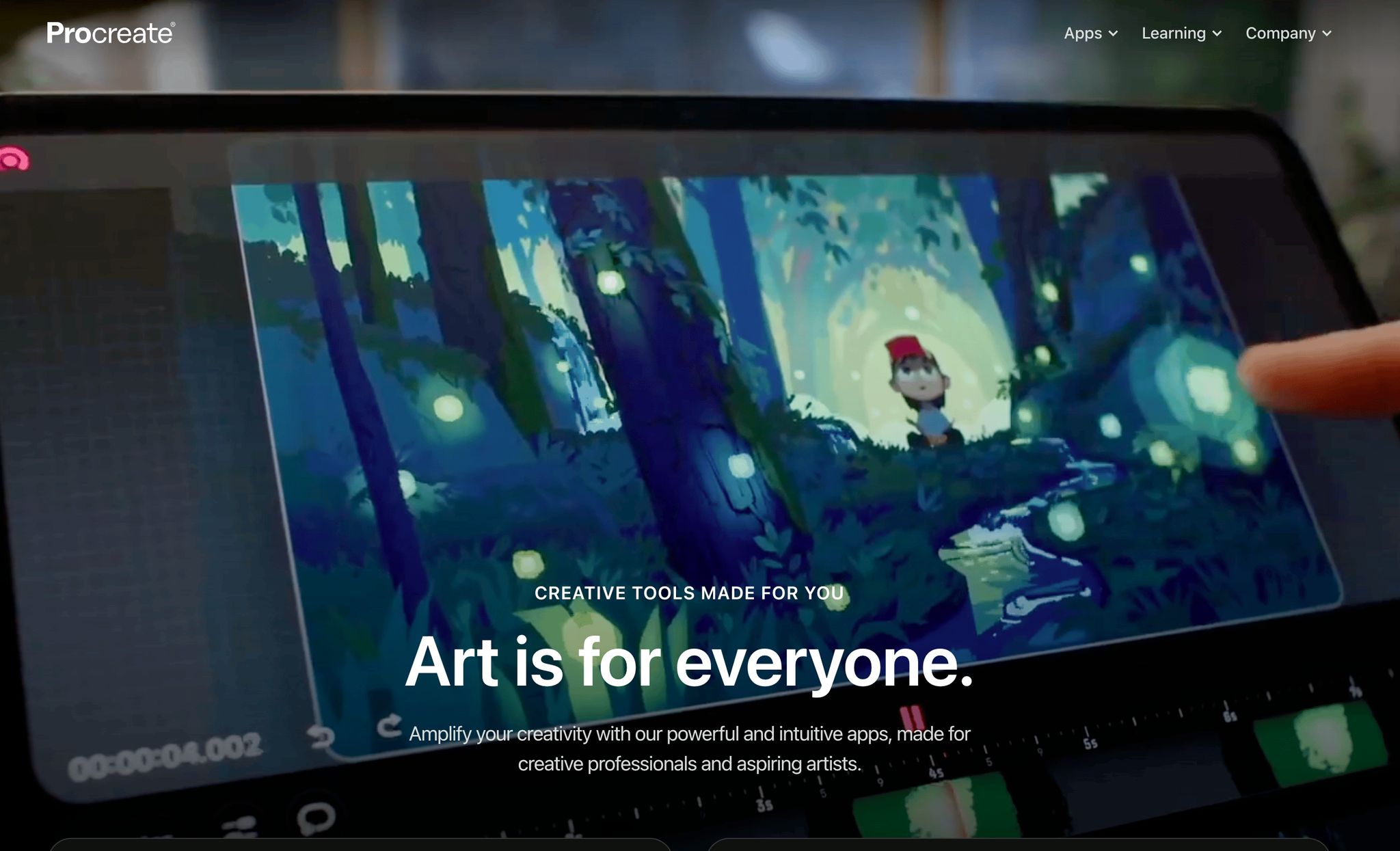 Procreate is a paid iPad app used by many illustrators. It is best for sketching, painting, & illustration. Files export as PNG, JPG, or layered formats. The main drawback is platform lock-in. It only works on iPad & offers no desktop or browser version.
2. Adobe Photoshop
Photoshop is a paid desktop tool used for digital painting, photo work, & concept art. It supports PSD, PNG, JPG, & TIFF files. It works best for professionals or serious learners. The downside is cost & complexity for beginners.
3. Adobe Illustrator
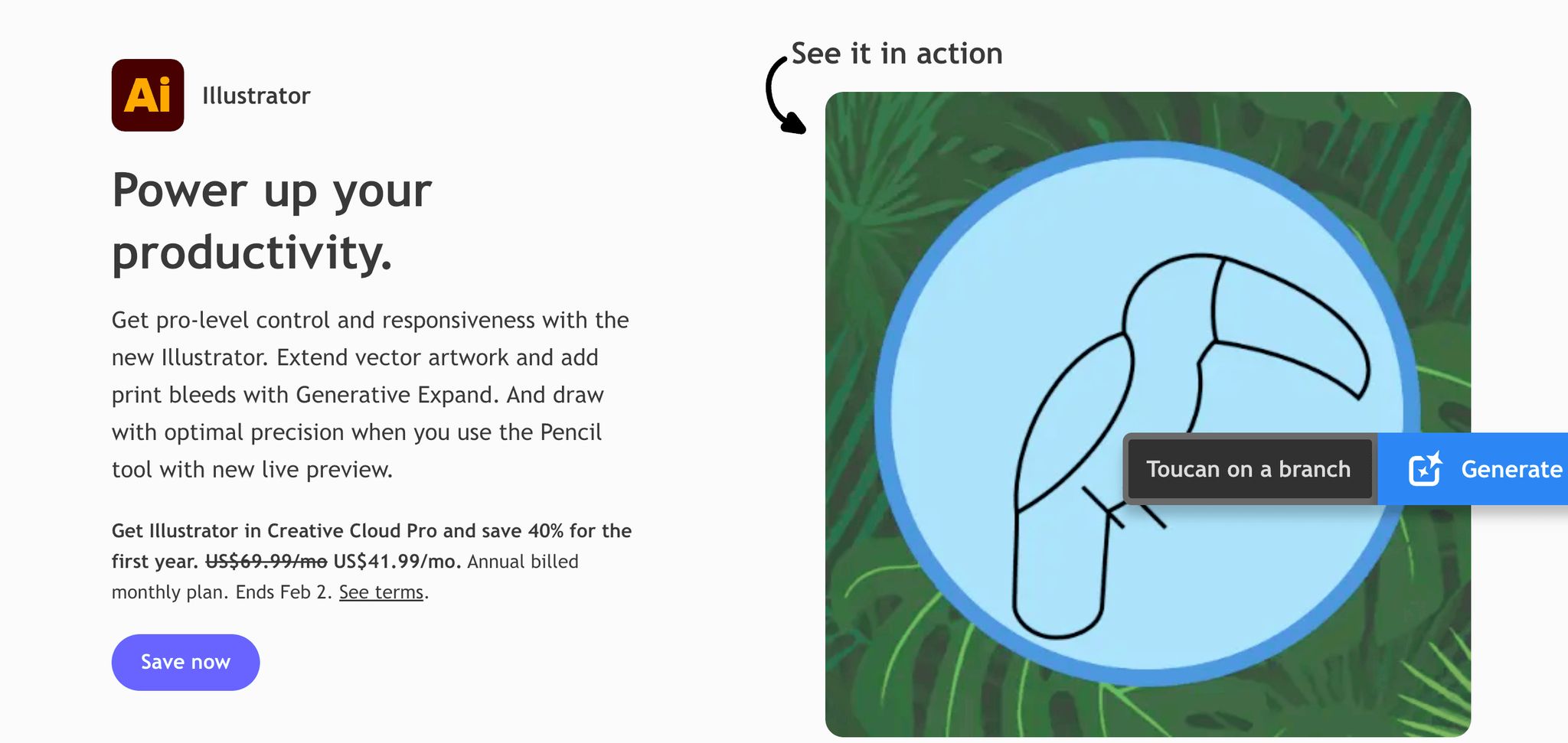 Illustrator focuses on vector art rather than painting. It is best for logos, icons, & clean graphic design work. Files export as SVG, AI, or PDF. It is less suited for freehand digital drawing.
4. Krita
Krita is a free drawing program for PC & Mac. It is one of the best digital drawing websites alternatives for artists who want full tools without paying. It supports PSD & PNG files. The interface can feel rough at first.
5. Clip Studio Paint
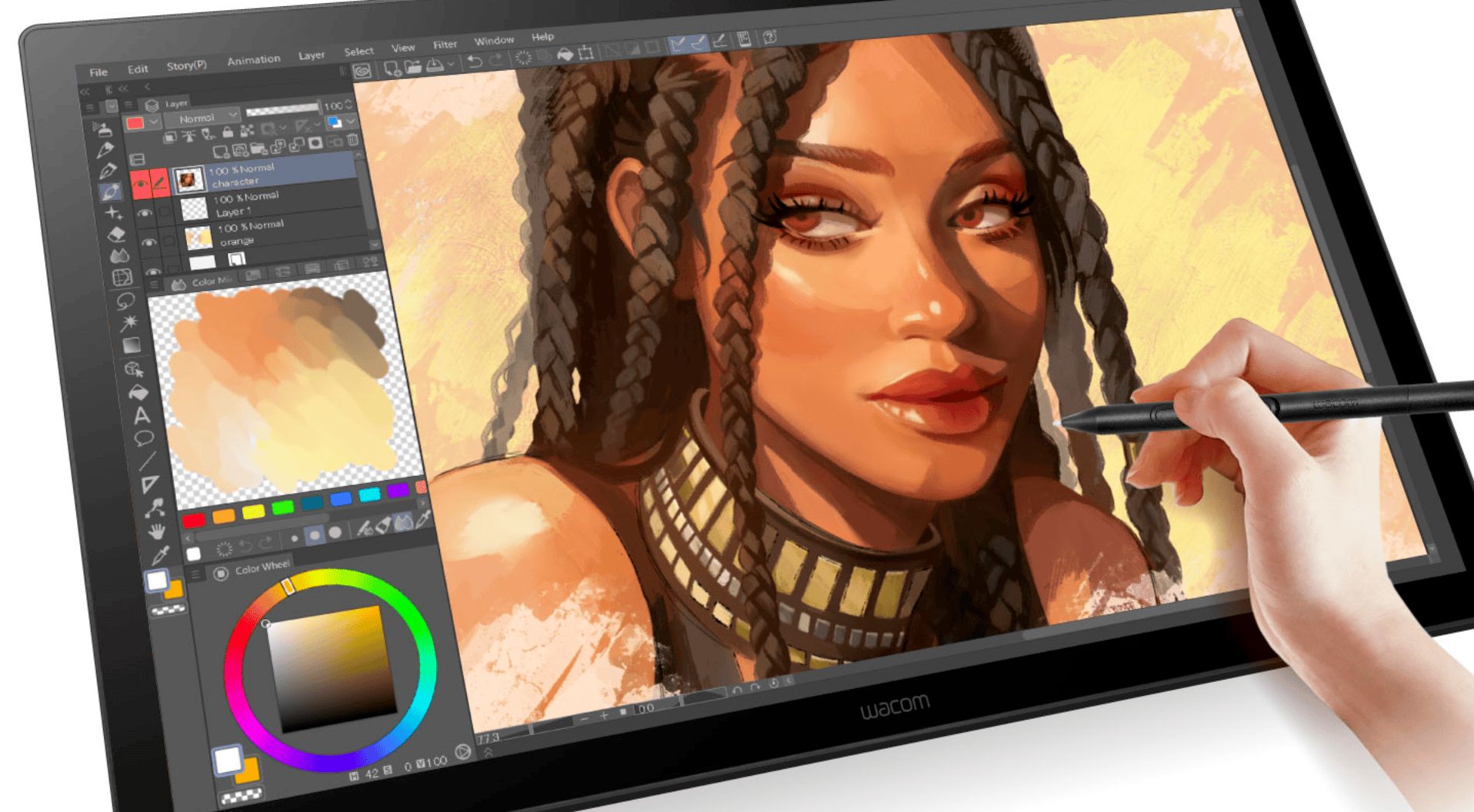 Clip Studio Paint is paid software designed for illustrators & comic artists. It supports layered files & print-ready exports. It works well on PC, Mac, & tablets. The drawback is that it is focused on illustration, not design.
Best free online drawing websites
Where can I do digital art for free?
Free online drawing websites let you create digital art directly in your browser. These are good for beginners, quick edits, or learning.
6. Photopea
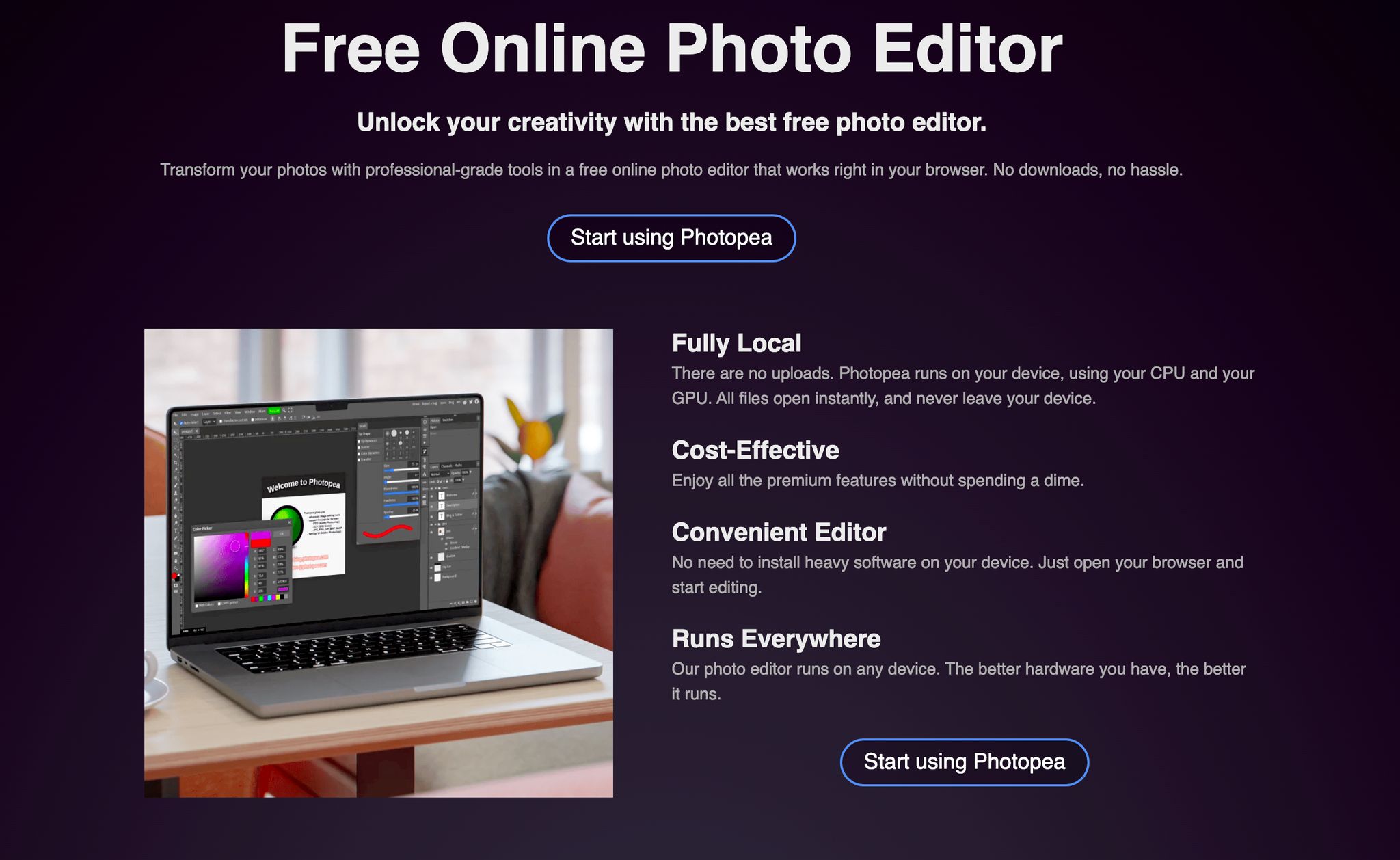 Photopea is one of the best free online drawing websites. It runs in your browser & supports PSD, PNG, & JPG files. It feels similar to Photoshop. Ads can be distracting, but functionality is strong.
7. Aggie.io
Aggie.io is a simple collaborative drawing site. It is free & browser-based. Artists use it for casual drawing or shared sketch sessions. It is not suitable for polished work.
8. Pixlr
Pixlr offers browser-based drawing & photo editing tools. It is free with paid upgrades. It works well for simple digital art & quick tasks. Advanced features are limited.
Best websites to learn digital art and graphic design
Digital art learning sites help artists build skills, understand tools, and practice techniques over time.
9. Skillshare
 Skillshare offers paid classes on digital illustration & graphic design. It is beginner-friendly & project-based. Quality varies by instructor, but structure is clear.
10. Domestika
Domestika provides paid creative courses taught by working artists. Lessons focus on process & technique. It works well for artists who want depth rather than quick tips.
11. Coursera
Coursera offers structured academic courses in graphic design. It is best for fundamentals rather than daily practice. Certificates may matter for formal education paths.
12. YouTube
YouTube remains one of the most used free learning resources. Many artists share full workflows and tutorials. It answers many “how do I do this” questions. The downside is inconsistent quality & no learning path.
Best digital art sites for selling digital art
Marketplaces vs storefronts
Selling digital art online usually means choosing between a marketplace or your own storefront.
13. Etsy
Etsy is a marketplace for digital prints. It brings traffic but takes fees per sale. Competition is high & branding control is limited. Best for beginners testing demand.
14. Gumroad
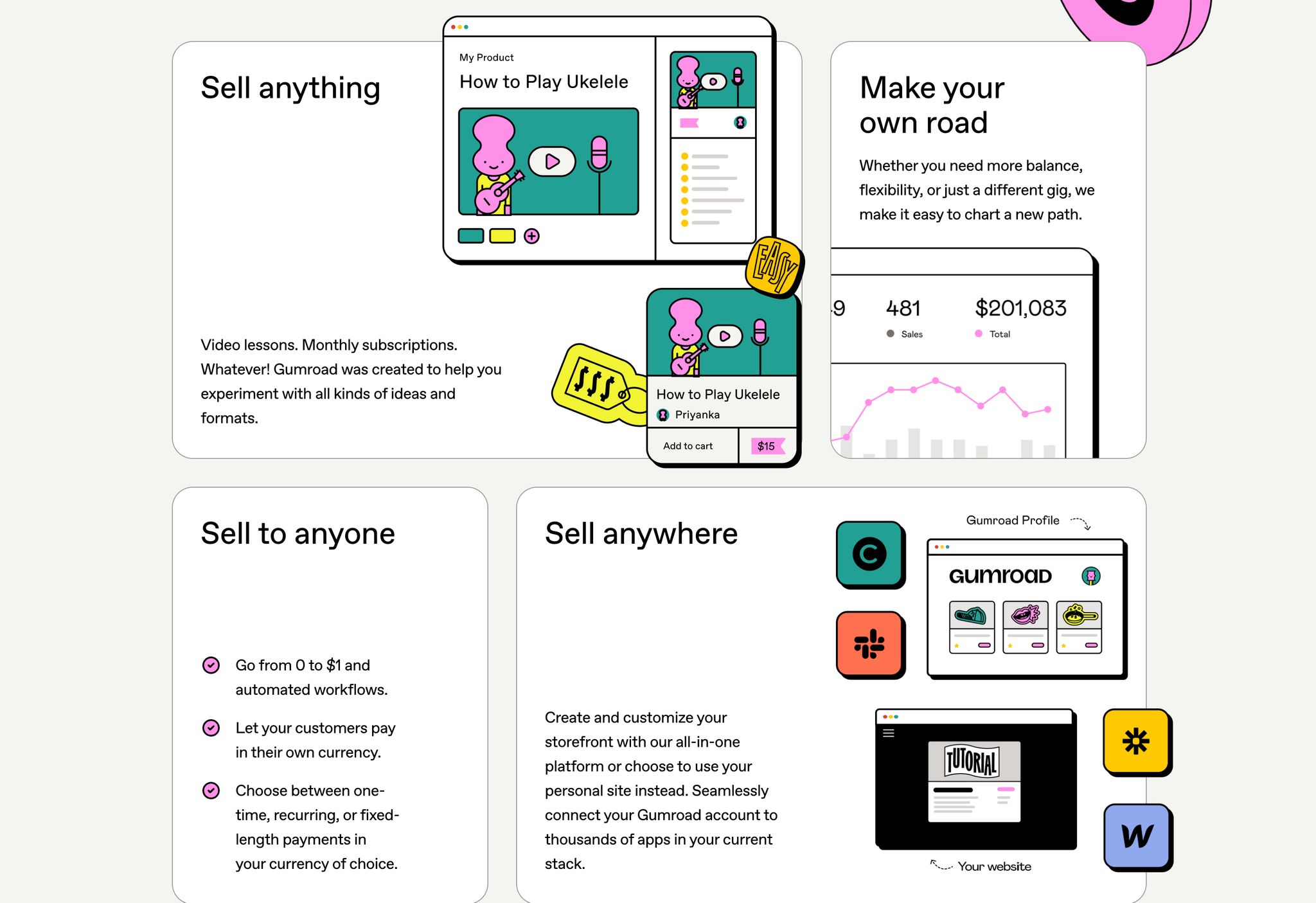
Gumroad lets artists sell digital files directly. It charges per sale & handles file delivery. It works well for downloads but offers limited storefront design.
15. Shopify
Shopify supports digital products but is built for general commerce. Monthly fees apply. Setup can feel heavy for artists selling files rather than physical goods.
16. Squarespace
Squarespace combines portfolio websites with selling tools. It is paid & design-focused. It works well for artists who want a full site, not just a store.
⸻
Best digital art storefront platforms
A digital art storefront platform gives artists a clean page to list work, collect emails, & sell directly.
17. Digital Original
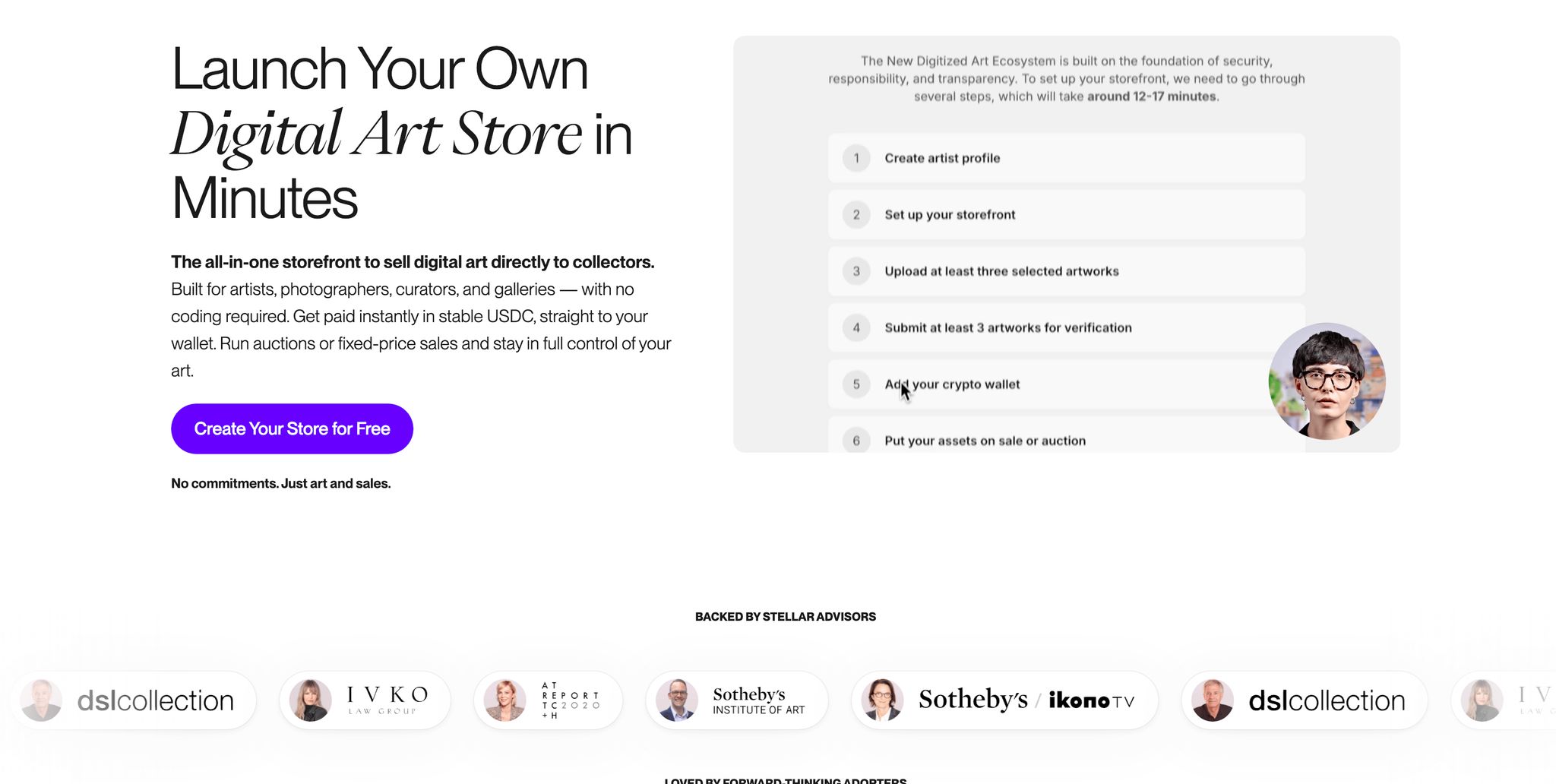 Digital Original is built specifically for selling digital art. Artists create a storefront, list artworks, collect emails, & sell from one page. It works well for artists who want control without building a full website.
18. Big Cartel
Big Cartel is a simple store builder for creatives. It offers a free tier with limits. Digital-first features are basic, but setup is fast.
Best websites for digital artists to showcase work
Portfolio sites help artists present work professionally, even if selling happens elsewhere.
19. Behance
Behance is free & widely used for portfolios. It helps with visibility but does not focus on selling.
20. ArtStation
ArtStation is popular with illustrators & concept artists. It supports exposure & community more than direct sales.
How to choose the best digital art site
- If your goal is creation, pick tools that match your device & skill level.
- If your goal is learning, choose structured courses over random videos.
- If your goal is selling, decide first if you want a marketplace or your own storefront.
Trying to do everything on one platform usually slows artists down.
Hidden gold: what most people get wrong about digital art sites
Most artists overthink tools instead of flow. They switch platforms constantly, hoping the next one will fix sales or motivation. The issue is rarely the art.
What usually happens is hours spent setting things up, tweaking layouts, and still feeling unsure about sharing the link. The art is fine. The setup is the problem. Artists who move faster usually separate creation from selling. Focused tools for making art. A clear storefront for selling it.
Key takeaways
- Not all digital art sites solve the same problem.
- Creation tools and selling platforms serve different needs.
- Marketplaces trade control for exposure.
- Storefronts offer clarity and ownership.
The right choice depends on what you want to do next.
FAQ
What is the best website to sell digital art?
The best website depends on how much control you want. Marketplaces offer traffic but limit branding & buyer access. Storefront platforms give artists ownership, clearer pricing, & direct relationships, which often works better long term.
Can I sell digital art without building a website?
Yes. Some platforms let you create a storefront without designing a full website. This approach works well if you want to sell digital art without handling layouts, hosting, or technical setup.
Where can I do digital art for free?
You can do digital art for free using browser-based tools like Photopea or Pixlr. These sites let you draw, edit, & export files without installing software.
What is the best digital art site for beginners?
The best site depends on the goal. Beginners who want to draw should use simple creation tools. Those who want to learn benefit from structured courses. Selling usually comes later, once the work is ready.
Do I need multiple platforms as a digital artist?
Most artists use more than one platform. One for creating art, one for learning, & one for selling is common & easier to manage.


